
Features › Advanced Features
Forking In Emergent
Chat forking is Emergent's intelligent solution to context limit challenges. It allows seamless project continuation in a fresh chat while preserving all essential context when your conversation approaches the 200,000 token limit.
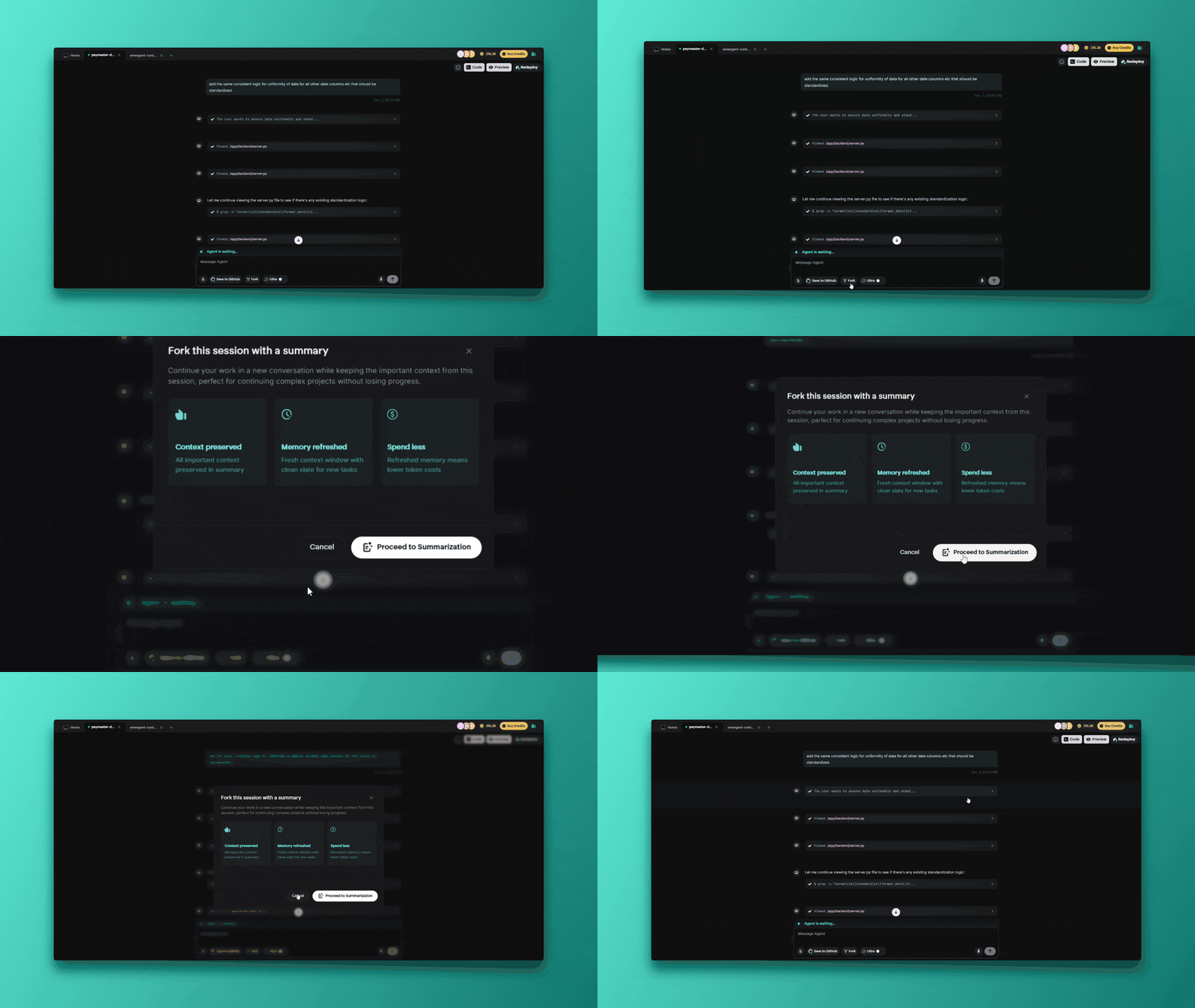
How Forking Manages Memory Context
The Core Problem
All AI agents have limited token context windows (like limited memory). Complex development sessions consume this through:
- Detailed code discussions
- Multiple iterations and refinements
- Extensive debugging sessions
- Feature additions and modifications
Intelligent Context Preservation Strategy
What Gets Preserved:
- Project goals and requirements
- Architectural decisions and reasoning
- Current codebase and file structure
- Key implementation details
- Recent changes and their context
- Outstanding tasks and planned features
- Important constraints and considerations
What Gets Compressed/Removed:
- Exact conversation history (replaced with intelligent summary)
- Detailed debugging logs (unless currently relevant)
- Exploratory discussions that didn't impact final code
- Redundant or superseded information
Triggers for Forking
Automatic Forking Scenarios
- Context Limit Warning: System displays warnings as you approach the token limit
- Performance Degradation: Slower response times indicate context strain
Success
Forking becomes necessary near the 200,000 token limit - Emergent has built-in warnings to fork as well as a seamless transition built into the system.
Manual Forking Options (Strategic)
- Major Transitions: Fork when moving between major features or phases
- Experimentation: Fork to try different approaches while preserving main thread
- Organization: Fork to keep different development aspects separate
Info
Pro Tip: Save your project to GitHub before you fork manually too!
For a detailed walkthrough on where to fork and how the steps look, please refer to this video.
